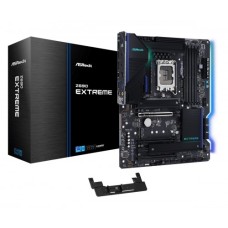
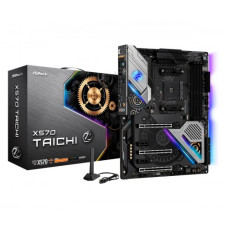
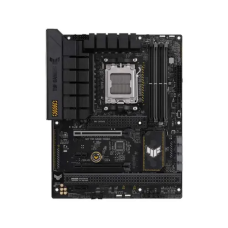
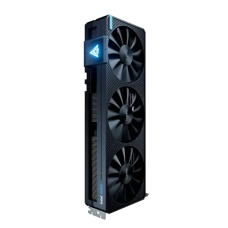
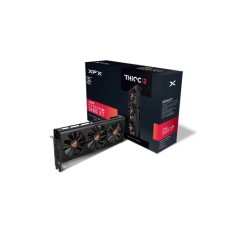
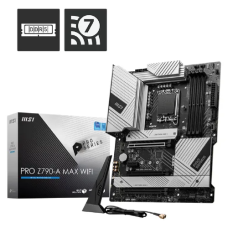
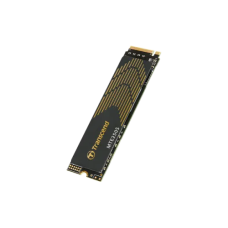
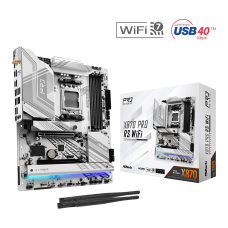
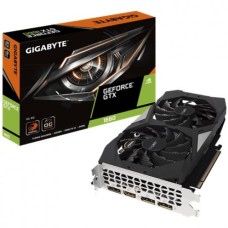
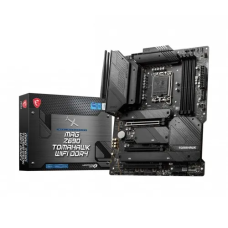
Building a PC on your own is tough. It requires lots of exploration and matching the correct components with their perfect counterparts. Matching each component together is an excited and time-consuming task to perform alone as there are colorful and multiple PC component sections for building a complete PC. After that, you'll have to get the suitable component from the right Brand that's furnishing the best configuration for that particular component. While doing all this, the parts you want may not be available when you go out for purchase. That's where we come in and help you out so that you don't have to worry about anything, as we will do everything for you. At PC House BD, we are then to help you out in all aspects of PC building, starting from suggesting the proper build for you to building the PC for you. PC House BD Providing Processor, RAM, SSD, Graphics Card, Computer Case, Hard Drive, Power Supply, Keyboard, Mouse, Monitor, Motherboard, Optane Memory, UPS, Printer, Webcam at the best price in Bangladesh.
Computer CPU Processors Provide Processing Power
When building a new computer or upgrading an old one, focus on the computer's Central Processing Unit (
CPU) first, as it defines most of the components a computer can use. It will also determine what you can do with the computer. Typical users can skate by with a primary processor for surfing the net and checking email. Gamers will likely want a quad-core processor, though six and eight-core processors become more attractive options as games advance. The more cores or threads a computer's CPU processor has, the better performance it will provide, so graphic designers and video editors may need a high-end six or eight-core model.
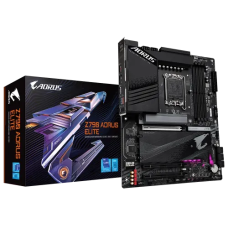
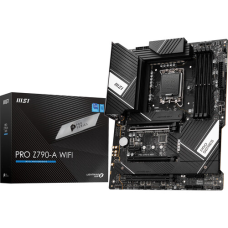
CPU Motherboards Offer PCIe Slots and a Home for the CPU
The CPU connects to the motherboard and provides Peripheral Component Interconnect Express (PCIe) slots to connect devices. Depending on the motherboard, you can add video and graphics cards, a Solid State Drive (SSD), and more. The CPU motherboard also determines the type and amount of Random Access Memory (
RAM) you can use. Pair motherboards with CPUs of the same generation for the best performance and ensure they can work together. Make sure to get a cooling fan that can keep up.
Computer Cases House and Protect Computer Components
There are three case size categories, though the computer cases have varying dimensions. Full towers are large enough to accommodate specialty parts, such as Extended Advanced Technology Extended (ATX) motherboards and water cooling systems. Mid buildings are the most common and easily suit the needs of most users. Micro-ITX computer cases are large enough to house mini-ITX motherboards, and they are an excellent choice for basic rigs. Finally, choose a case that can accommodate all computer components and allow airflow, preventing overheating.
RAM Provides Dynamic Memory That Increases Processing Speeds
Small Outline Dual In-Line Memory Module (SO-DIMM) and Dual In-Line Memory Module (DIMM) reference the physical size of a memory stick. As a rule, SO-DIMMs are more petite and reserved for laptops and mini-PCs, while DIMMs are for full-size desktops. Double Data Rate (DDR) is the most common memory used by modern computers.
DDR4 is the newest rendition. It's faster than DDR3, which is nearly obsolete but still capable of fulfilling the needs of most users.
Hard Drives and Solid State Drives Represent a Computer's Storage Space
SSD drives are quieter, faster, conserve more energy, and last longer than a standard HDD. That said, when comparing an
SSD and an HDD of equal capacities, the
HDD is almost always significantly cheaper. So if storage is more important than speed, it's often more economical to choose an
HDD.