
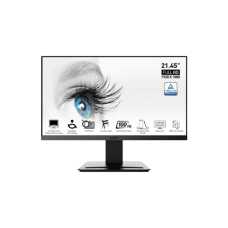
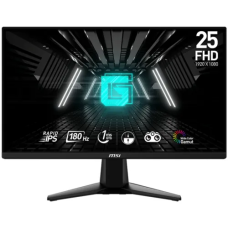
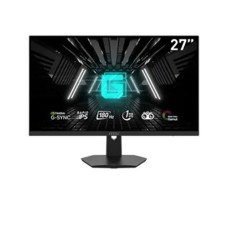
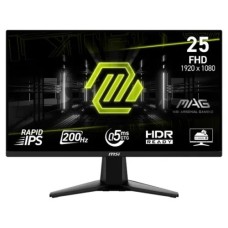
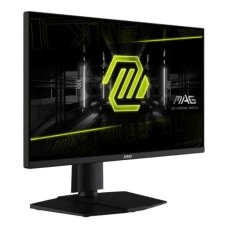
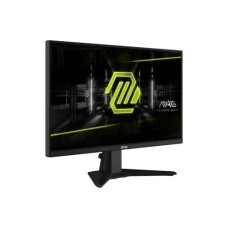
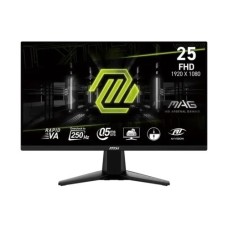
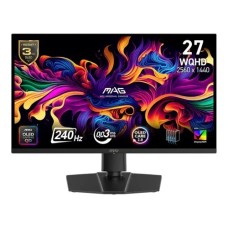
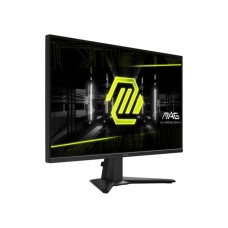
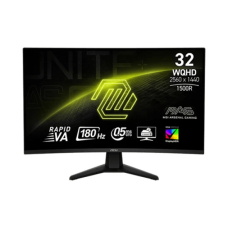
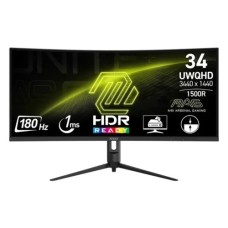
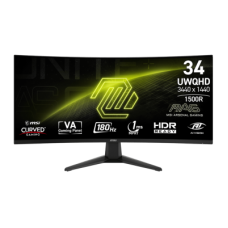
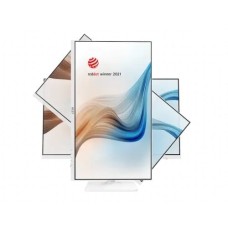
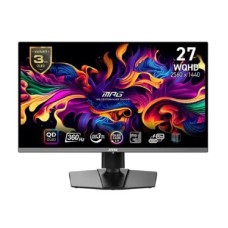
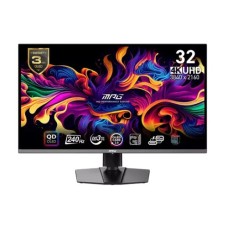
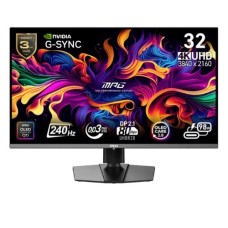
At PC House, you can explore a wide range of MSI monitors, including Full HD, QHD, and even 4K resolution options. These monitors come with high refresh rates like 144Hz, 165Hz, or higher, ensuring ultra-smooth performance for gaming and professional tasks such as video editing. Additionally, IPS panel technology delivers accurate colors and wide viewing angles, enhancing your overall viewing experience. If you're looking for exceptional visual quality and smooth performance, MSI monitors are a perfect choice. Many users are actively searching for the msi monitor price in bd, as MSI has gained massive popularity for its modern design, advanced display technology, and gaming-focused features.
The msi monitor price in bd varies depending on the model and specifications, making it accessible for both budget-conscious buyers and premium users. Gamers can enjoy immersive gameplay with MSI curved monitors, while professionals can benefit from flat-panel displays designed for productivity and precision. When you purchase from PC House, you get genuine MSI products, official warranty support, and reliable customer service. Whether you're upgrading your gaming setup or enhancing your workstation, MSI monitors offer excellent value for money.
To help you navigate the diverse MSI monitor, we have categorized our collection into three distinct pillars. Whether you are aiming for the top of the leaderboards, designing the next big architectural marvel, or simply optimizing your home office, there is an MSI display engineered for your specific workflow.
Designed for those who refuse to lose, the MAG (MSI Arsenal Gaming) and MPG (MSI Performance Gaming) series are built on the foundation of speed. These monitors feature Rapid IPS and the latest QD-OLED technology, offering refresh rates up to 360Hz and an incredible 0.03ms (GtG) response time. With integrated G-Sync and FreeSync Premium support, screen tearing is a thing of the past. If your goal is competitive edge and immersive HDR gaming, this segment offers the ultimate hardware advantage.
For visual storytellers, photographers, and 3D animators, color fidelity is non-negotiable. The MSI Creator and Prestige series deliver industry-leading color accuracy with up to 99% Adobe RGB and DCI-P3 coverage. These high-resolution 4K UHD displays are factory-pre-calibrated to ensure a Delta E ≤ 2, providing a "what you see is what you get" experience. This is the professional choice for those who need pixel-perfect precision and high dynamic range for professional grading.
The MSI PRO and Modern series are the workhorses of the corporate and freelance world. Focused on ergonomics and long-term health, these monitors are equipped with MSI Anti-Flicker and Less Blue Light technology, certified by TÜV Rheinland to prevent eye strain during 8+ hour shifts. With sleek, minimalist aesthetics and flexible mounting options, they are the most cost-effective way to upgrade any workspace while maintaining a premium look and feel.
At PC House, we have analyzed the latest market trends and hardware specifications to curate a list that balances raw speed, color accuracy, and long-term durability. These top-tier selections represent the pinnacle of current display technology, ensuring that your investment provides a future-proof visual experience for years to come.
| Rank | Model Name | Panel Type & Key Specs | Best For | Current Price (at PC House) |
| 01 | 24.5" Rapid IPS, 300Hz, 0.5ms | Professional Esports & FPS | BDT 47,490 | |
| 02 | 27" Rapid IPS, 180Hz, 2K WQHD | Balanced Gaming & Productivity | BDT 34,500 | |
03 | 26.5" 2K WQHD, 240Hz, 0.03ms | Ultimate HDR Gaming & Editing | BDT 30,490 | |
| 04 | MAG 255XF | 24.5" Rapid IPS, 300Hz, 0.5ms | High-Speed Smoothness | BDT 29,490 |
| 05 | MAG 255XFV | 24.5" Rapid VA, 250Hz, 0.5ms | Budget-Friendly Competitive Play | BDT 24,490 |
You have to know why msi monitor are a benchmark for quality in the Bangladeshi market. Beyond just aesthetics, MSI integrates hardware-level solutions that improve long-term health, device connectivity, and visual fidelity for every type of user. Some of them are :
MSI prioritizes user health by integrating Anti-Flicker and Less Blue Light technologies that are officially certified for safety. These features significantly reduce the digital eye strain and headaches often associated with long hours of coding, gaming, or office work, ensuring a comfortable viewing experience even during marathon sessions.
The shift to Rapid IPS panels offers users the best of both worlds: the vivid color accuracy of professional displays combined with a blistering 1ms or faster response time. For those seeking the absolute peak of technology, MSI’s QD-OLED options provide infinite contrast and true blacks, making images appear incredibly lifelike and sharp.
Equipped with AI Vision and ambient light sensors, MSI monitors can automatically adjust brightness and contrast based on your room's lighting conditions. This "smart" optimization ensures that dark areas in a video or game are visible without washing out the rest of the screen, providing perfect clarity without manual tweaking.
Modern MSI monitors serve as a productivity hub, featuring USB Type-C ports that handle video signals and high-speed charging for laptops simultaneously. The built-in KVM Switch is a standout feature for multitaskers, allowing you to control two separate computers using a single keyboard and mouse connected directly to the display.
To protect high-end investments, MSI’s OLED Care 2.0 uses AI-driven sub-routines like pixel shifting and static element detection to prevent screen burn-in. This proactive maintenance happens silently in the background, ensuring that your premium panel remains flawless and free from ghosting for years to come.
Navigating the vast array of display technologies can be overwhelming, but selecting the right monitor is the single most important factor in defining your digital experience. This Buying Guideline of MSI Monitor provides a strategic roadmap to ensure your investment at PC House delivers the perfect balance of performance, visual fidelity, and long-term value.
For the sharpest image, always pair your resolution with the physical dimensions of the panel. A 24-inch screen is ideal for 1080p (FHD), while a 27-inch display truly shines with 1440p (2K) to prevent pixelation. If you are opting for a 32-inch monitor or larger, 4K UHD is essential for maintaining crisp text and high-detail imagery.
Your panel choice dictates the color quality and speed of your display. Rapid IPS is the best all-rounder for vibrant colors and wide viewing angles, making it perfect for both work and play. For cinematic depth, VA panels offer superior contrast, while QD-OLED is the premium choice for infinite blacks and near-instant response times.
Refresh rate determines how fluidly motion is rendered on your screen. While 100Hz is excellent for smooth office work and casual browsing, competitive gamers should aim for at least 180Hz to eliminate blur. Look for a response time of 1ms or lower (GtG) to ensure your visuals remain sharp during fast-paced action sequences.
Since we spend hours in front of screens, features like TÜV-certified Anti-Flicker and Less Blue Light are non-negotiable for protecting your vision. Furthermore, a stand with height, tilt, and swivel adjustments allows you to maintain a healthy posture, significantly reducing neck and back strain over time.
Check that your monitor has the latest ports, such as HDMI 2.1 for next-gen consoles or DisplayPort 1.4a for high-end PCs. Opting for a model with USB Type-C (Power Delivery) is a game-changer for laptop users, as it allows you to transmit video signals and charge your device through one single, clutter-free cable.
When you choose to shop with PC House, you aren't just buying hardware; you are investing in a premium service experience backed by Bangladesh's most trusted tech experts. Our e-commerce platform is uniquely designed for the local market, offering a real-time stock verification system and a secure, multi-channel payment gateway that ensures your transaction is as smooth as our monitors' refresh rates. We pride ourselves on our "No-Hassle Warranty" policy and our dedicated technical support team, which remains available to assist you long after your purchase is delivered to your doorstep. If you are exploring all your options, feel free to browse our curated selection of budget-friendly Xiaomi monitor, explore the Professional HP monitor, or experience the vivid colors of a premium Samsung monitor. Beyond monitors, we are your one-stop destination for the latest
high-performance desktop PC from top-tier global brands. Elevate your digital life with an authentic MSI monitor today—only at PC House.
The msi monitor price in bd starts from around ৳11,200 for entry-level business monitors and can go up to ৳1,79,990+ for premium gaming or OLED displays, depending on features like resolution, refresh rate, and panel type.
At PC House, you can find a wide range of MSI monitors including Full HD, QHD, UWQHD, and 4K displays. They offer both flat and curved monitors, suitable for gaming, office work, and content creation.
Yes, MSI monitors are highly popular among gamers because they feature high refresh rates (144Hz–360Hz), low response times (0.5ms–1ms), and technologies like Adaptive Sync and FreeSync, ensuring smooth and lag-free gameplay.
Budget users can choose models like the MSI PRO series, which offer reliable performance, Full HD resolution, and essential features at an affordable price, making them ideal for office and everyday use.