


-80x80.png)


| Display Features | ||
| Display Size | 27” | |
| Display Type | SS IPS | |
| Resolution | 2560 x 1440 (QHD) | |
| Viewing Angle | 178°(H)/178°(V) | |
| Brightness | 350 cd/m2 (TYP) | |
| Contrast Ratio | Contrast Ratio: 1000:1, Dynamic Contrast Ratio: 100M:1 |
|
| Refresh rate | 170Hz | |
| Color Support | Color Saturation: 92% DCI-P3 / 140% sRGB, Display Colors: 8 bits |
|
| Response Time | 0.5ms (MPRT) | |
| Power | ||
| Power Consumption | Type: Power adapter, Power Consumption: 58W(Max), Others: Power Saving Mode: 0.5W, Power Off Mode: 0.3W |
|
| Connectivity | ||
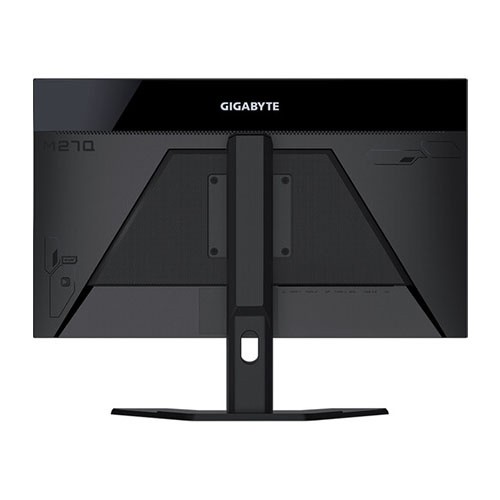
| I/O Port | Input Video Compatibility: Digital Connectors: HDMI, DisplayPort, USB HDMI: 2 x HDMI 2.0 DisplayPort : 1 x DisplayPort 1.2 USB 3.0 2 x USB 3.0 1 x USB-C | |
| Audio Features | ||
| Speaker Details | Flicker-Free: Yes |
|
| Physical Specification | ||
| Weight | Net Weight (Esti.): 5.5, Gross Weight (Esti.): 7.79 |
|
| Dimensions | Phys. Dimension with Stand(WxHxD): 615.11*533.55*202.97, Phys. Dimension w/o stand (WxHxD): 615.11*367.35*42.22 |
|
| WARRANTY INFORMATION | ||
| Manufacturing Warranty | 03 years warranty | |
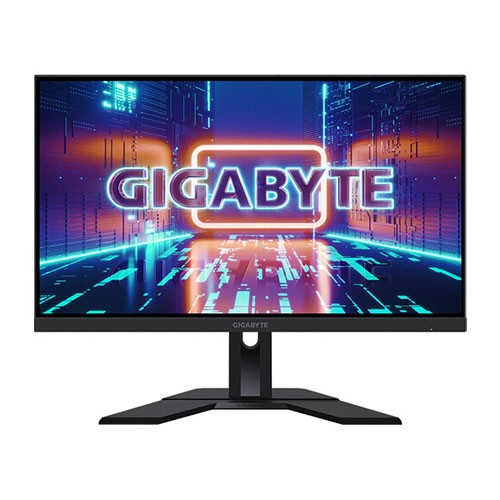
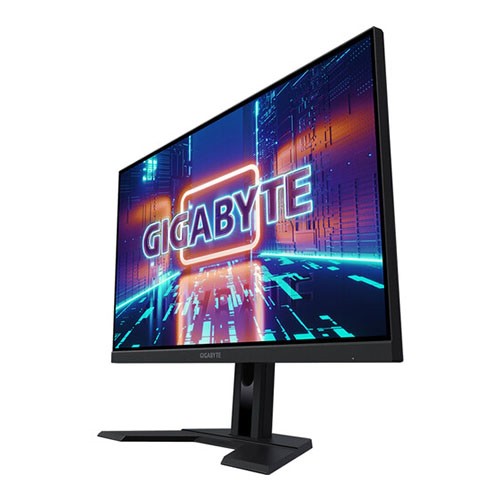
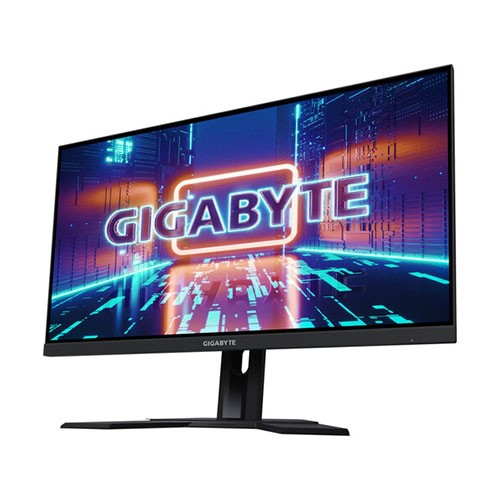
The Gigabyte M27Q 27" KVM Free Sync 170 Hz QHD HDR IPS Gaming Monitor. Featuring A 27" 2560 X 1440 QHD In-Plane Switching (IPS) Panel, This Monitor Has A 170 Hz Refresh Rate And A 0.5 Ms Response Time (MPRT) That Are Designed To Deliver Liquid-Smooth Graphics With Minimal Motion Blur During Fast-Action Sequences. It Also Supports AMD Free Sync Technology, Which Further Enhances Performance By Reducing Screen Tearing And Stuttering In Games When Connected To A Compatible Graphics Card. The M27Q Also Supports 16.7 Million Colors With VESA Certified HDR That Covers For 92% Of The DCI-P3 Color Gamut And Of 140% SRGB Spectrum For Vivid Images That Have Deep Blacks And Bright Whites. Other Features Include A 350 Cd/M² Brightness, A 100M:1 Dynamic Contrast Ratio, And A 1000:1 Static Contrast Ratio. Sources Connect Through The HDMI 2.0 And DisplayPort 1.2 Inputs, While Peripherals Such As Mice And Keyboards Can Be Plugged Into The Built-In USB 3.1 Gen 1 Type-A And Type-C Hub. The M27Q Has An Integrated KVM, Which Allows You To Switch Between Two Connected Computers At The Touch Of A Button To Control Them With The Same Mouse And Keyboard. Adjust The Screen's Height And Tilt To Optimize Comfort. With Its 178° Horizontal And Vertical Viewing Angles, You'll Be Able To See The Picture From Almost Any Position. You Can Also Install The Monitor Onto A Wall Or Compatible Arm Using The 100 X 100mm VESA Mounting Holes.
The Gigabyte M27Q is an excellent 1440p gaming monitor suitable for a wide variety of uses. It has a large 27 inch screen that provides an immersive gaming experience and plenty of screen real estate for work. It has an incredibly low input lag, exceptional response time, and a high refresh rate to deliver smooth and responsive gameplay. Its IPS panel has wide viewing angles that make it easier to share content or play co-op games; however, it comes at the cost of a lower contrast ratio, which makes blacks appear gray in dark environments. Unfortunately, it lacks swivel adjustment and can't rotate to portrait mode, and even though it supports HDR, it doesn't get quite bright enough to deliver a true HDR experience. On the upside, it has tons of additional features, including a Picture-in-Picture/Picture-by-Picture mode, a USB-C port that supports DisplayPort Alt Mode, and a KVM feature that lets you control two devices with your mouse and keyboard.
Get specific details about this product from customers who own it.
