


| Projector Features | ||
| Brightness | 200 ANSI Lumens | |
| Contrast Ratio | 100,000:1 | |
| Projection Distance | 30"~100" | |
| Resolution | 480p (854 x 480 pixels) Resolution Support: VGA(640 x 480) to Full HD(1920 x 1080) |
|
| Interface | Bluetooth Yes | |
| Connectivity | ||
| Power | Typical Power Consumption: 24W(Max)/ 16.7W(Typical)/ 13.1W(Battery)/ 0.5W(Standby) Standby Power Consumption: 0.5W Max. at 100 ~ 240VAC Power Supply: VAC 100 ~ 240 (50/60Hz) |
|
| Lamp Details | ||
| Lamp Life | 20,000/30,000 hrs (Normal/Eco) | |
| Physical Specifications | ||
| Weight | 708g | |
| Dimensions (W x D x H) | 80mm x 155mm x 80mm | |
| WARRANTY INFORMATION | ||
| Warranty | 2 years Parts & Service warranty Lamp: 1000hrs warranty | |
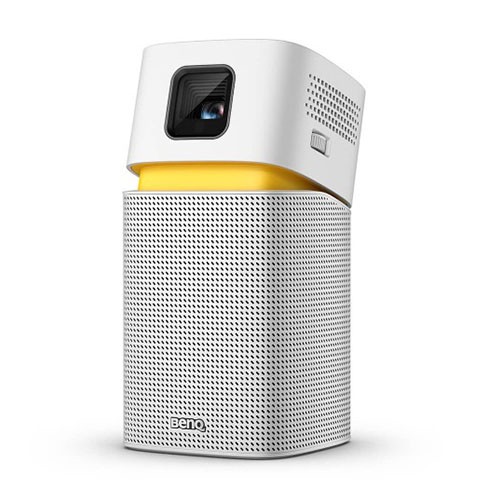
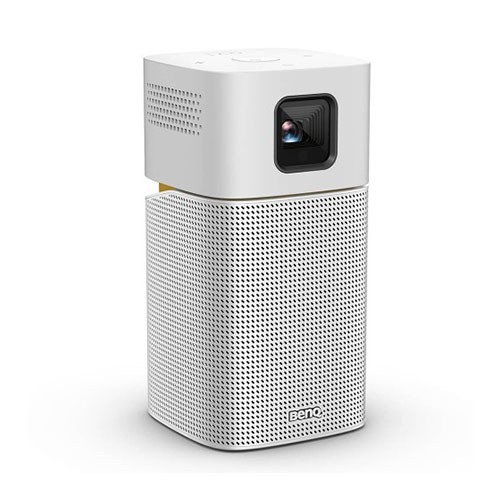
The BenQ GV1 VGA 200 Lumens Portable Wireless DLP Mini Projector is a compact and versatile device designed for on-the-go entertainment and multimedia projection. With a VGA resolution of 854 x 480 pixels and a brightness of up to 200 lumens, this mini projector delivers clear and vivid images, even in low light conditions.
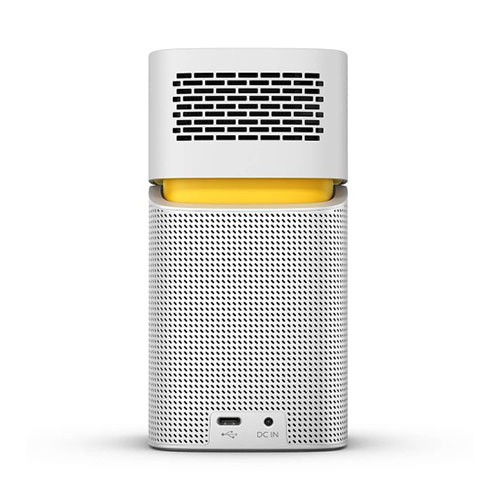
The GV1 supports wireless connectivity via Bluetooth and Wi-Fi, allowing you to easily stream content from your smartphone, tablet, or laptop. It also features a built-in battery that can last up to 3 hours of continuous use, making it ideal for outdoor activities or on-the-go presentations.The GV1 is equipped with a variety of connectivity options, including HDMI, USB-C, and microSD, giving you plenty of flexibility to connect and project your favorite content. The projector also features a built-in speaker, which provides clear and rich audio to accompany your visuals.The compact and stylish design of the BenQ GV1 makes it easy to carry and set up wherever you go. It comes with a convenient detachable stand, which allows you to adjust the projection angle and position the projector at the perfect height
Setting up the GV1 is actually quite easy – just power it on, set up the WiFi, and you’ll almost instantly be able to stream to it via Apple AirPlay. If you’re on Android, you’ll be able to use Google Cast to do the same, and there’s no fiddling about on the projector to switch between either streaming method, which is a relief. As mentioned before, you can also directly plug a device into the GV1 using the supplied USB-C cable. We connected a Huawei P20 Pro smartphone to it and it instantly mirrored the phone’s screen.
Things go downhill when you’re trying to stream wirelessly, specifically content from Netflix or iTunes on iOS – as neither of their iOS apps were compatible with the GV1. YouTube works perfectly fine, but who’s connecting a projector just to watch YouTube clips? We tried connecting a USB-C to Lightning cable in the hopes that it would fix our iOS problems, but our connected iPhone just started charging via the GV1, rather than outputting a display.
Get specific details about this product from customers who own it.


