


| DISPLAY DETAILS | ||
| Screen Size | 338 x 219 x 8 mm / 13.2 x 8.5 x 0.3 in | |
| Pressure Sensitivity | 8192 | |
| Resolution | 5080 lpi | |
| Special Feature | Multi-Touch Yes Stylus[ Wacom Pro Pen 2 Finetip Pen (for paper sketching) Stylus Type- Pressure-sensitive, cordless, battery-free Switches 2 side switches on pen, Touch on/off switch on tablet Technology Patented electromagnetic resonance method Paper Size (for paper sketching) A5/Half Letter for Medium table |
|
| Features | ||
| Active area | 224 x 148 mm / 8.7 x 5.8 in | |
| Tilt | ± 60 | |
| Weight | 700g/ 1.54lbs | |
| WARRANTY INFORMATION | ||
| Warranty | 01 Year Warranty | |
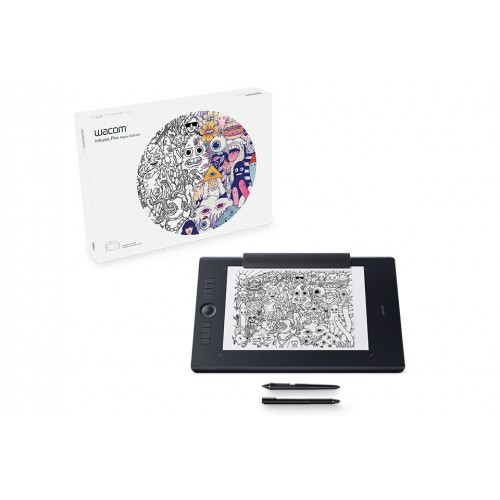
Wacom PTH-660/K1-CX Intuos Pro Paper Edition Medium Graphics Tablet. For artists and designers who want a revolutionary way to capture editable versions of their paper sketches, Wacom Intuos Pro Paper offers paper to digital workflow with more natural creative control than ever before.
The Intuos Pro Paper Edition combines the very latest Wacom technologies with the drawing paper of your choice to offer a new – but familiar – way of working. Enjoy the feel of drawing with the Finetip Pen on paper while Wacom Intuos Pro Paper Edition captures every stroke, ready for further work in your favorite software. Or connect Wacom PTH-660/K1-CX Intuos Pro Paper Edition to your computer and work directly into any application you choose with the Wacom Pro Pen 2.
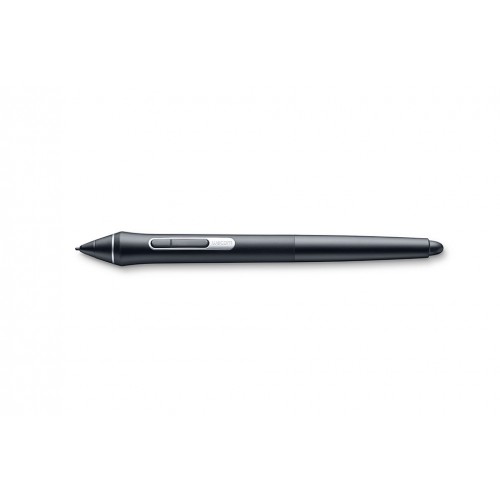
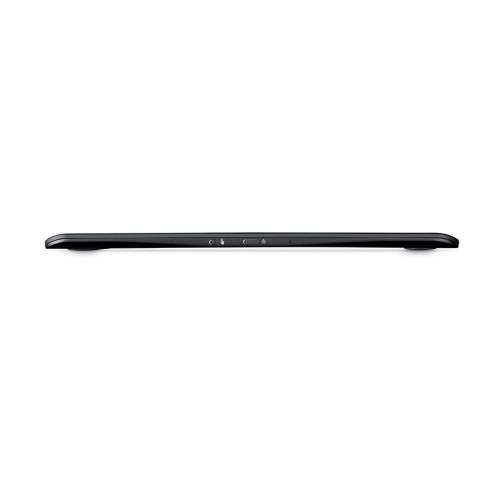
The new Wacom PTH-660/K1-CX Intuos Pro Pen 2 is designed to quickly become a natural extension of your hand. Its exceptional sensitivity and responsiveness give you the control you need to take your work to the next level. Wacom PTH-660/K1-CX Intuos Pro Pen 2’s side switches put shortcuts and controls literally at your fingertips. Wacom Intuos Pro Paper Edition comes in both medium and large sizes. Each has a smaller, more compact footprint than previous models.
See more Wacom-Tablet
Get specific details about this product from customers who own it.
