Cart
0
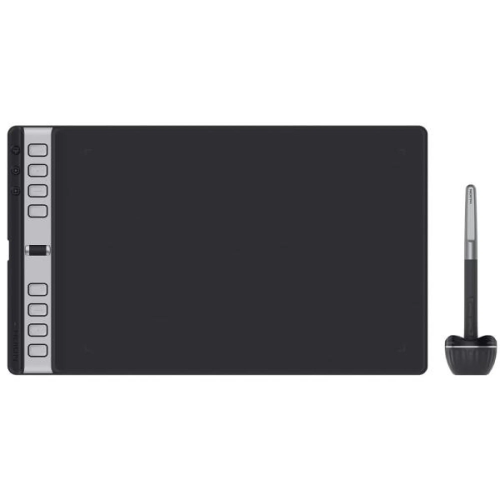
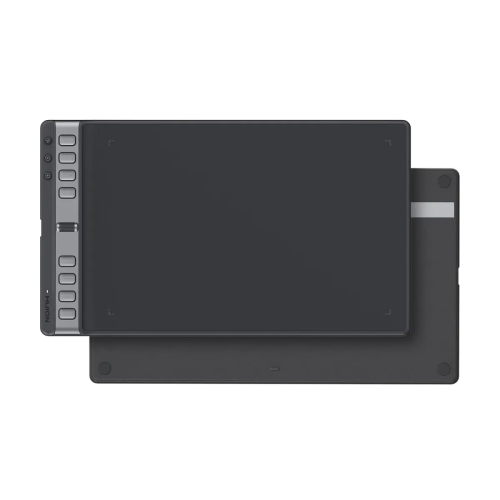
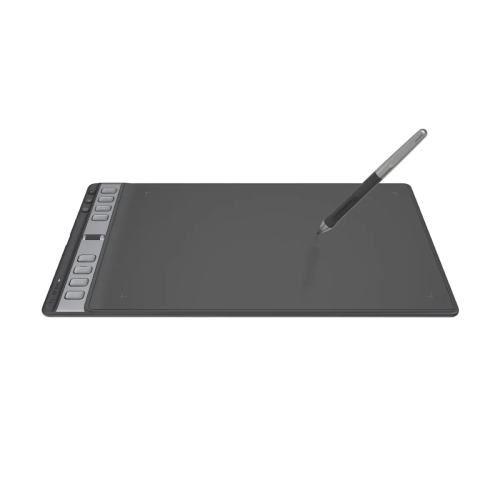
Huion Inspiroy 2 L H1061P Graphics Tablet
  • Huion Inspiroy 2 L H1061P Graphics Tablet
  • Huion Inspiroy 2 L H1061P Graphics Tablet
  • Huion Inspiroy 2 L H1061P Graphics Tablet
  • Huion Inspiroy 2 L H1061P Graphics Tablet
  • Huion Inspiroy 2 L H1061P Graphics Tablet
  • Huion Inspiroy 2 L H1061P Graphics Tablet

Huion Inspiroy 2 L H1061P Graphics Tablet

Price: Out Of Stock
Status: Out Of Stock
Product Code: 15787
Brand: Huion
Key Features
  • Active Area: 10.5″ x 6.5″
  • Pen Pressure: 8192
  • Express Keys: 8
  • Compatibility: Win, MAC, Android
View More Info

Payment Options

Quantity :

Specification:

Graphics Tablet
Pen Technology Battery-free EMR
Response Rate >260PPS
Pen Pressure 8192 levels
Tilt Recognition ±60°
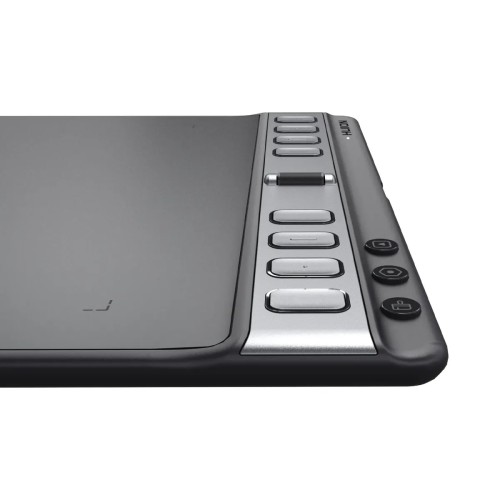
ExpressKeys™ 8 Programmable Press Keys

Function Keys: 3 Group Keys + Scroller
Pen Model PW110
Pen Holder: PH04
Active Area 266.7 x 166.7 mm / 10.5 x 6.56 inch (PC Mode), 166.7 x 83.35 mm / 6.5 x 3.2 inch (Android Mode)
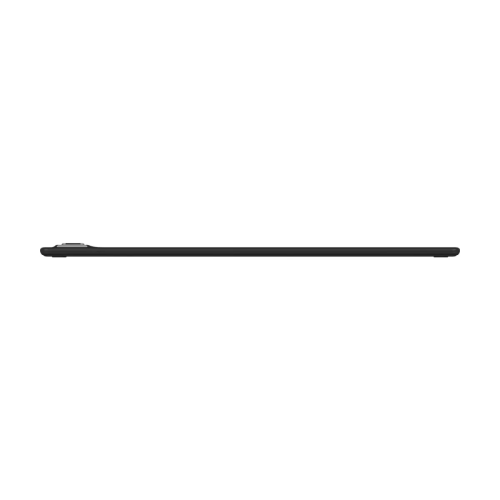
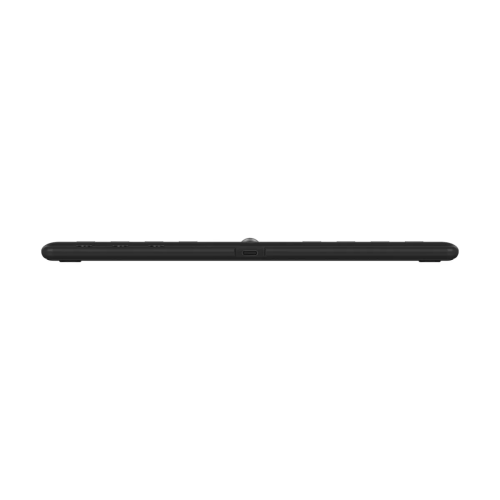
Dimension 352.5 × 208.7 × 7.5~9.5 mm / 13.8 × 8.2 × 0.2~0.3 inch
Weight 600g
Reading Height >10mm
Pen Resolution 5080LPI
Ports 1 x USB-C
Warranty 1 Year

Description :

Huion Inspiroy 2 L H1061P Drawing Graphic Tablet


The Huion Inspiroy 2 L Drawing Tablet is a large‑format graphics tablet built for artists, illustrators, and creative professionals who want a spacious active area and precision performance in a slim, portable design. Featuring the battery‑free PW110 pen with Huion PenTech 3.0 technology, it delivers smooth, accurate strokes with 8192 levels of pressure sensitivity and ±60° tilt support, helping you achieve natural‑feeling lines and shading in digital art, design, and photo editing projects. The tablet’s textured surface increases friction by about 20 % compared with older models, giving a more paper‑like drawing feel that improves control and comfort during long creative sessions. The Inspiroy 2 L Graphic Tablet offers a generous active working area of approximately 266.7 × 166.7 mm (10.5 × 6.56 in) in PC mode, giving ample room for expressive drawing and detailed design work, while a rectangle of 166.7 × 83.35 mm is available in Android mode when connected to supported devices via USB‑C. Its ultra‑slim build (about 7.5–9.5 mm thick) and lightweight form make it easy to carry between home, school, or studio without adding bulk to your bag. Customizable efficiency features include eight programmable press keys, three group keys, and a handy scroller wheel, all designed to streamline your workflow and put shortcuts right at your fingertips. The tablet works seamlessly with major operating systems such as Windows, macOS, ChromeOS, Android, HarmonyOS, and Linux, and supports most creative software, making it a versatile tool for both professional and beginner artists alike. Overall, the Huion Inspiroy 2 L Graphic Tablet strikes a balance between performance, comfort, and portability, giving you a large drawing surface, responsive pen control, and customizable shortcut options that help boost productivity and creativity in digital art, illustration, graphic design, and other creative workflows.

Natural and Precise Drawing Experience

The Huion Inspiroy 2 L H1061P features 8192 levels of pen pressure sensitivity, allowing the stylus to accurately detect differences in drawing pressure.

This makes it possible to create natural variations in line thickness and opacity, providing a more traditional pen-and-paper feel for digital artists.

Battery-Free Stylus

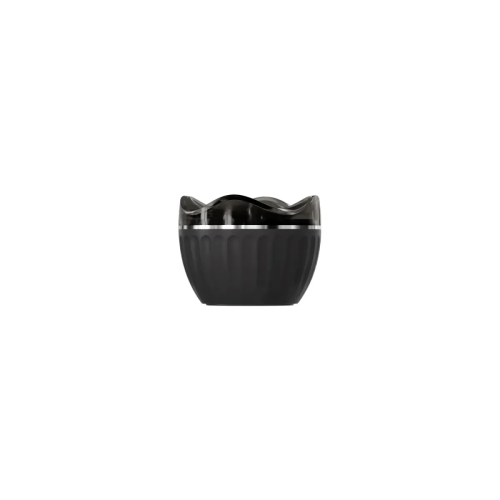
The included battery-free stylus does not require charging, allowing you to work continuously without worrying about replacing or charging a pen battery.

Its pressure-sensitive performance makes it suitable for sketching, illustration, digital painting, handwriting, and photo editing.

Large Working Area

The large active working area provides plenty of space for drawing and designing. It is particularly useful for artists who prefer broad hand movements and need additional workspace for detailed illustrations.

Customizable Shortcut Keys

The Inspiroy 2 L includes customizable shortcut buttons that can be assigned to frequently used commands such as undo, redo, brush selection, eraser, zoom, and other software functions.

These shortcut controls can help reduce keyboard dependency and improve workflow efficiency.

Reviews (0) :

Get specific details about this product from customers who own it.

Write your review

 Bad           Good