


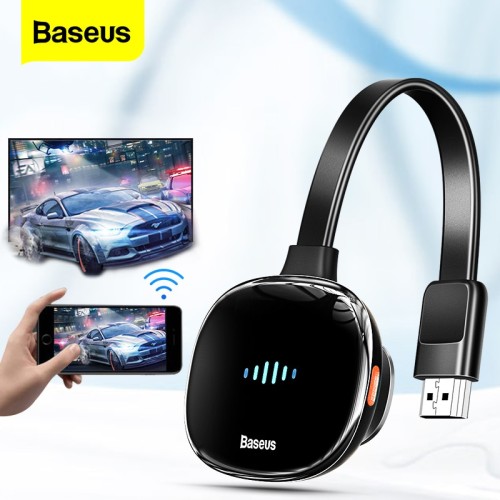
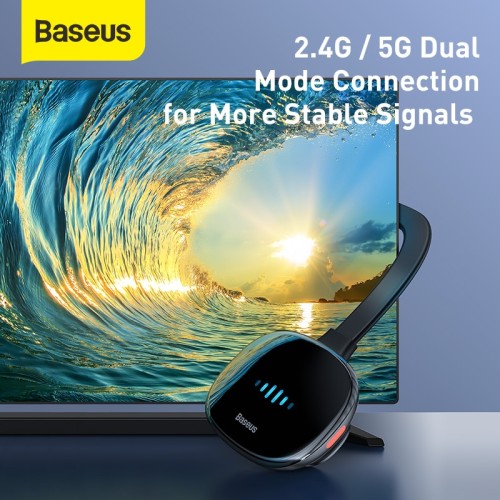

BASEUS Meteorite Shimmer Wireless Display Adapter
Specification:
Package included:
how to run Baseus Meteorite Shimmer wireless display adapter WiFi
Operating Instructions
1.Turn On the TV,plug the charging cable into the power adapter,and connect the Type-c interface of the display adapter to charge the dispaly adapter;
2.Plug the HDMI cable of the display adapter into the TV’s HDMI interface;
3.Use the TV remote Control to select the corresponding HDMI input signal source of the display adapter;
4.The start-up screen of the display adapter will be displayed on the TV. Now follow the instructions to complete the setting of the monitor
Scan to Get Multi-Screen
Quick Connectipn
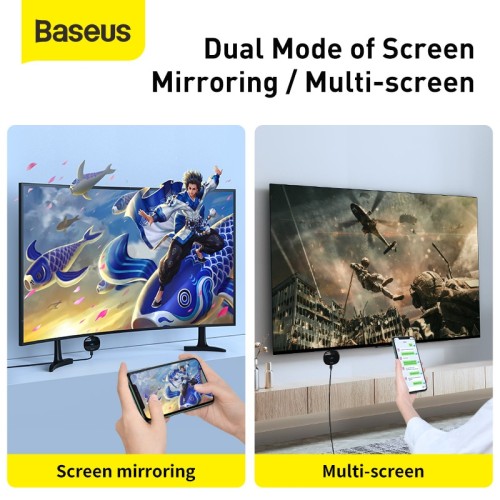
Multi-Screen display (Mobile Phone Screen off or Other function operation)
1.Turn on the mobile phone Wi-Fi and connect to Baseus ****** (password:12345678);
2.Open 192.168.203.1 with a browser, or scan the QR code on the right (only for iP system);
3.Click internet settings to connect to the wireless network
4.Open the video APP and Click to multi-screen.
Screen mirroring display (The Phone and display device synchronization)
1.Turn on the mobile phone Wi-Fi and connect to Baseus ****** (password:12345678);
2.Turn on the wireless screen mirroring
Android devices: Setting-device connection-wireless screen interation,
iP devices: drop-down menu to select the screen mirroring
SDFGHJ
Get specific details about this product from customers who own it.

3-80x80.jpg)
-USB-C-7-in-80x80.webp)

